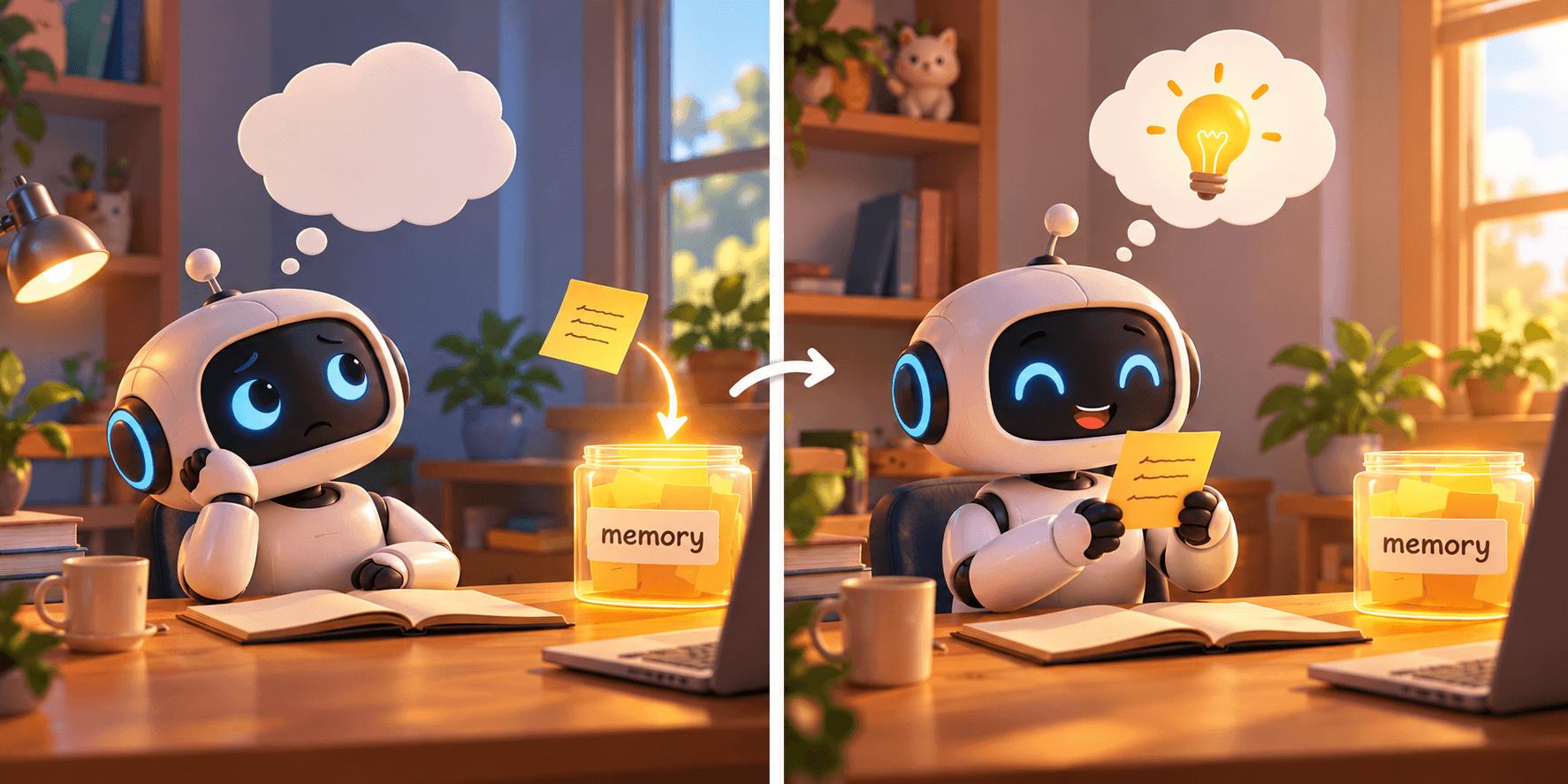
If you’ve used a chatbot for more than five minutes, you’ve probably hit this: you tell it something, close the tab, come back tomorrow, and it’s like you never met. Every conversation starts from zero.
That used to feel like a mystery to me. Turns out the answer is almost embarrassingly simple — and once it clicked, it changed how I think about what “AI memory” even means. So, same as last time: instead of just reading about it, I built the smallest possible version I could.
Full code is on GitHub here: Github Link
The problem: the AI doesn’t actually forget — it never knew
Here’s the thing that surprised me: an AI model doesn’t have a memory to lose. Every single time you send it a message, it’s starting completely fresh. It has no idea who you are, what you told it yesterday, or that you’ve even spoken before.
So when a chatbot “remembers” your name across sessions, it’s not because something changed inside the model. It’s because some code, running outside the model, is quietly doing three things:
- Saving what you said somewhere (a file, a database, whatever).
- Loading it back up the next time you show up.
- Stuffing it into the prompt before the AI even sees your question.
That’s it. That’s the whole trick. The AI feels like it “remembers” because we keep handing it a cheat sheet. This post is about building the tiniest version of that cheat sheet system.
The pieces, in plain English
My whole project is two small files: src/memory.ts (the storage) and src/index.ts (the CLI that uses it).
1. The memory store — just a JSON file
const MEMORY_FILE = "./memory.json";

export async function loadMemory(): Promise<Memory> {
  try {
    const data = await readFile(MEMORY_FILE, "utf-8");
    return JSON.parse(data);
  } catch {
    return {};
  }
}

export async function saveMemory(key: string, value: string): Promise<void> {
  const memory = await loadMemory();
  memory[key] = value;
  await writeFile(MEMORY_FILE, JSON.stringify(memory, null, 2));
}
No database, no vector search, no fancy infrastructure. Just a plain .json file on disk with key/value pairs, like:
{
  "india's capital": "New Delhi",
  "my dog's name": "Max"
}
loadMemory() reads the file. saveMemory() reads it, adds one new fact, and writes it back. If the file doesn’t exist yet, we just treat memory as empty ({}) — no crash, no drama.
This is the whole “storage” half of the system, and it’s deliberately boring. The interesting part is what we do with this file.
2. Loading memory and asking the AI to use it
This is the part that turns a plain JSON file into something that feels like the AI “remembers” you:
const memory = await loadMemory();

const response = await ai.models.generateContent({
  model: "gemini-3.6-flash",
  contents: `
You have access to the following user memory:

${JSON.stringify(memory, null, 2)}

User question:
${userQuestion}
  `,
});
Look closely — there’s no special “memory API” here. We’re just typing the memory straight into the text we send the model, right above the actual question. As far as the AI is concerned, it’s not “recalling” anything. It’s just reading a note we handed it seconds ago, in the same message, and answering based on that.
That’s the whole “aha” for me: memory isn’t a feature the model has. It’s context we paste in before asking the question.
3. The flow that ties it together
The CLI in src/index.ts does this, in order:
- Ask you: “Would you like to save any memories?” — if yes, collect
key → valuepairs and save each one withsaveMemory(). - Call
loadMemory()to load everything that’s ever been saved (including from previous runs — this is the important part). - Ask you: “Enter your question about the memory.”
- Send the AI a prompt that’s basically: “Here’s everything you know: [the memory]. Now answer this: [your question].”
- Print whatever the AI says.
Walking through an actual example
Say I run the program for the first time. It asks if I want to save memories, I say yes, and I save:
key: my dog's name
value: Max
I close the program. memory.json now sits on disk with that fact in it.
The next day, I run the program again. This time I say “no” to saving new memories. It loads memory.json — which still has yesterday’s fact, because the file never went anywhere — and asks me for a question. I type:
What's my dog's name?
The AI’s prompt now secretly looks like:
You have access to the following user memory:
{ "my dog's name": "Max" }

User question:
What's my dog's name?
And the AI answers: “Max.” It didn’t “remember” across days in any magical sense — my code just handed it yesterday’s note along with today’s question, in the same breath.
The “aha” moment for me
Two runs of the program, on two different days, produced the same “it remembers me!” feeling — but nothing about the AI itself changed between those runs. What changed was a small file sitting quietly on my hard drive.
That’s the core pattern behind basically every “stateful” AI product you’ve used:
- Save something once → write it somewhere durable (a file, a database, whatever).
- Load it on the next run → read it back before you do anything else.
- Pass it as context to the model → paste it into the prompt.
- Get answers grounded in that memory → the model just reads what you gave it.
Bigger products do this with more polish — a proper database instead of a JSON file, smarter logic about which memories are relevant to this question instead of dumping all of them in, maybe embeddings and search instead of exact key lookup. But strip away the polish, and it’s this same four-step loop underneath.
Try it yourself
The code’s on GitHub: Github Link
git clone <your-repo-url>
cd agent-memory
npm install
cp .env.example .env
# add your GEMINI_API_KEY to .env
npm start
Save a memory, quit, and run npm start again without saving anything new — just ask a question about what you saved last time. Then go open memory.json yourself and watch it sitting there, plainly, in between runs. That was the moment this really clicked for me.
Final thought
Once I saw memory as “just a file we read before we ask the question,” a lot of AI products stopped feeling mysterious. The magic isn’t in the model — it’s in the boring plumbing around it: what gets saved, when it gets loaded, and how it gets handed back.
I’m still learning this myself, so if you spot something I got wrong, have a cleaner way of explaining it, or want to talk about where this pattern breaks down at scale — feel free to drop a comment or DM me. Learning this stuff out loud is more fun with company.